![]()
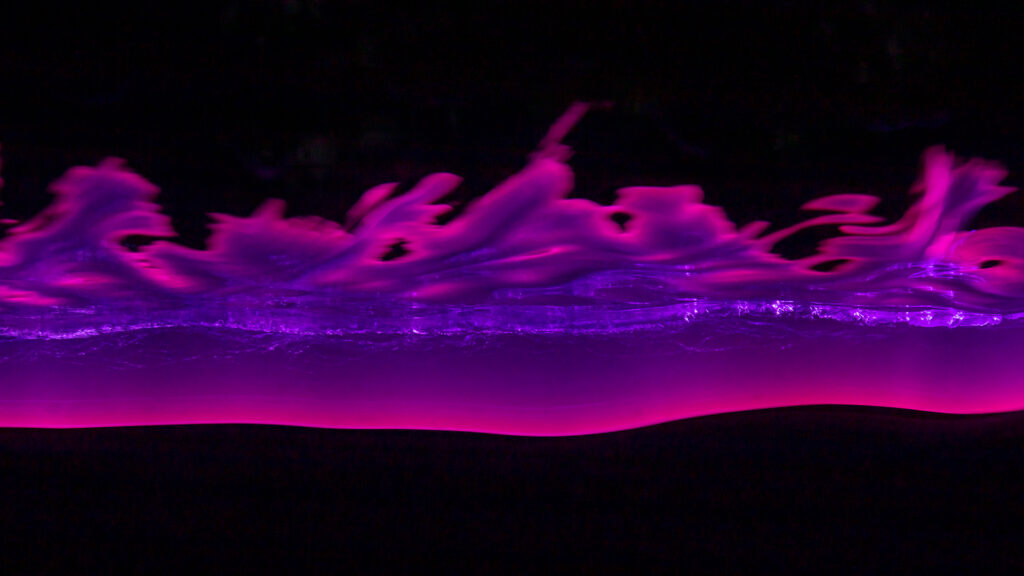
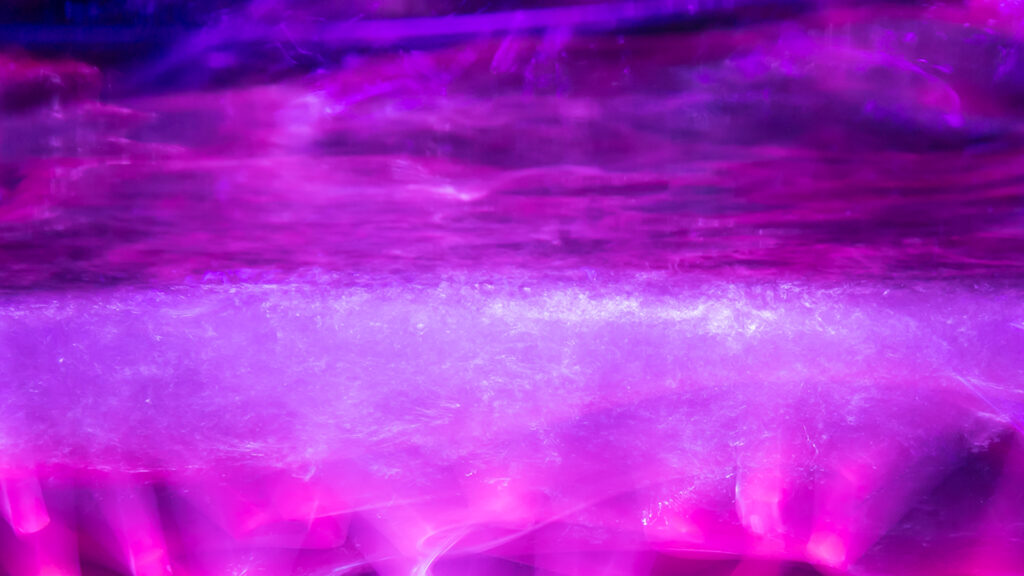
In this Light Painting Photography Tutorial I show how to create some unique and vivid colors in your Light Painting Photography work by adding some Liquid chalk onto your Plexiglass! These Liquid Chalk markers can be a little bit messy but they go on and most importantly come off of your Plexiglass Light Painting Tools really easy! In this tutorial I used these Liquid Chalk Markers and Plexiglass tools from Light Painting Brushes! Check out the video and images below!
How To Light Paint a Dandelion

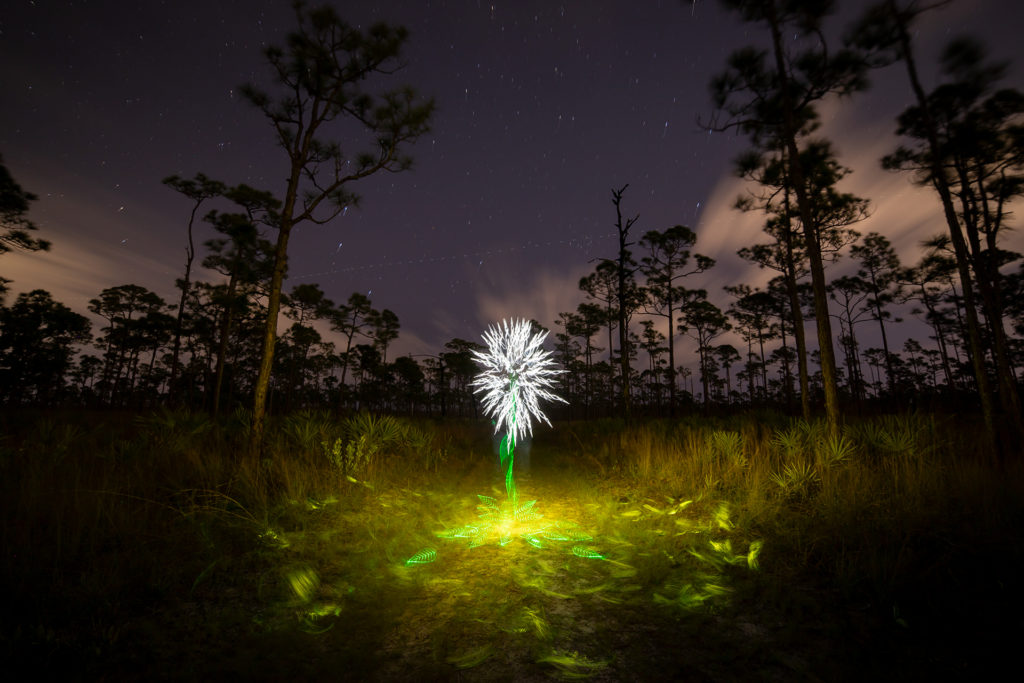
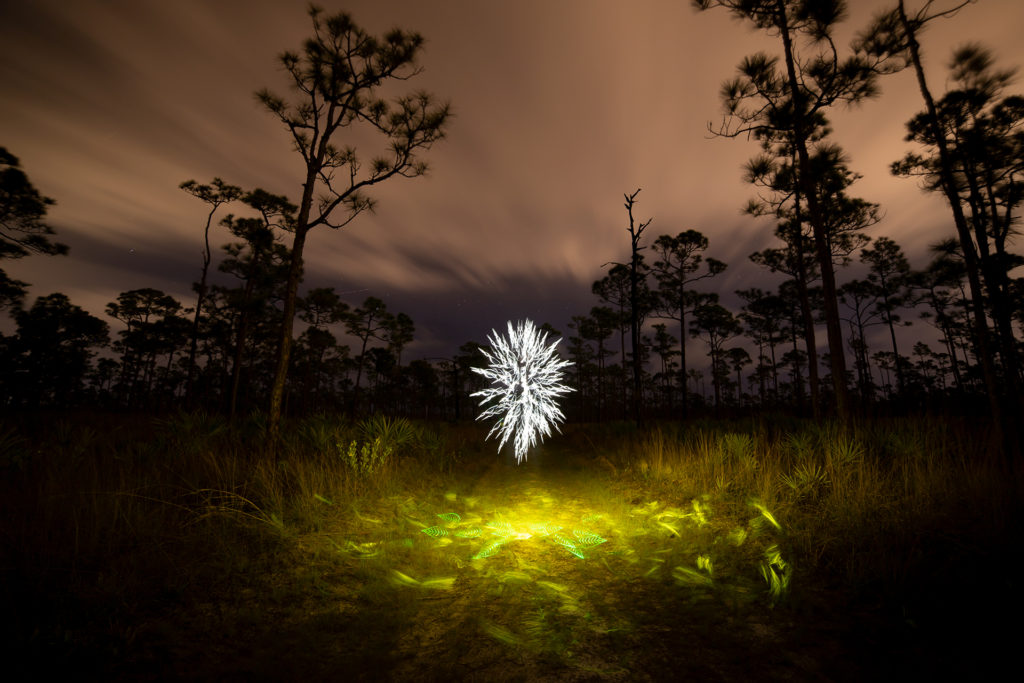
In this Light Painting tutorial I show How To Light Paint a Dandelion using tools from Light Painting Brushes. The camera that I use is the Canon 6D Mark ii and the Rokinon 14MM Manual lens. The manual lens was important in creating this image because I changed the aperture during the exposure. The camera settings that I used were ISO100, F16 for the Flower portion of the image, then I changed the aperture to 2.8 to illuminate the scene and allow the background to expose. The total exposure time for this image was 440 seconds. It was all created in real time and captured to the camera in one single photographic frame. If you are new to Light Painting check out this detailed tutorial showing how to light paint a flower here: HOW TO LIGHT PAINT A FLOWER


Camera Rotation Photography Tutorial

In this tutorial video I talk all about Camera Rotation Photography. Camera Rotation is a form of Kinetic Light Painting in that the lights in the scene stay stationary and the camera is what moves to create the color and design within the frame. The Camera Rotation Tool that I use in this video is a 360º Panoramic Tripod Gimbal and it is as simple as it gets when it comes to a CRT. As with all light painting the possibilities are limitless, I hope you enjoy the video.
Here are the links to what I used if you want to build your own Camera Rotation Tool:
Gimbal: https://amzn.to/2LZFTnO
Hot Shoe Phone Holder: https://amzn.to/3u3Axsz
Tripod: https://amzn.to/37iDzj4
Want to learn more about Camera Rotation Photography check out this tutorial from some of the best and also this great Facebook Group on Camera Rotation Photography!
Rotating Sunset to Create Pyramids In The Sky
![]()
In this Light Painting Photography Tutorial I show how to create Pyramids In The Sky using only the ambient light from the setting sun and camera movement. This is a different and unique way to photograph a sunset. The images you see in this video are not edited or layered they are created in real time and captured to the camera in a single exposure! By rotating the camera on a camera rotation tool along with the technique of lens capping these images are built in camera. This is a form of Kinetic Light Painting, in that the camera moving is what creates the design within the image instead of the lights moving. Technically the light from the sun is moving but we are just gonna call it Kinetic Light Painting. Pyramids in the Sky is just scratching the surface with what is possible with this form of Light Painting Photography, if you would like to learn more about this form of Kinetic Light Painting Photography and specifically Camera Rotation Photography please check out this tutorial here: https://lightpaintingphotography.com/light-painting-tutorials/camera-rotation-light-painting-tutorial/
Important tips/steps to keep in mind:
1. Looks for a high location with a clean horizon without any buildings or lights.
2. Wait for the sun to go down, that is when the best colors appear in the sky to photograph.
3. Find you center point then rotate your camera to about the 60º mark.
4. Start your exposure, remove your lens cap then quickly replace it.
5. Rotate your camera about 20º and repeat the process until you have rotated your camera about 120º
6. Stop your exposure and see the Pyramid you created!
In the article linked above there are some examples of Camera Rotation Tools but if you want to skip the read and just get to the point the 360 Degree Panoramic Gimbal Tripod Head is the best off the shelf solution for a camera rotation tool that I know of: https://amzn.to/3a7lxAK
You will also want a hot shoe phone holder to check your angle using a level app: https://amzn.to/3caTJOJ
The Exploding Orb Light Painting Tutorial

This light painting video is going to be a new format for some of the Light Painting Tutorials on the YouTube channel that you will see on this channel going forward, filming them in this way will allow me to create a lot more work while also filming more light painting tutorials with this voice over format. If you have not subscribed yet what are you waiting for ya silly goose, all you have to do is CLICK HERE then click on the Red subscribe Button. I will still be making more of the traditional light painting tutorials and light painting volts but this is something new and I am really curious to know what you think of it so if you have read this far please leave a comment down below and let me know what you think of it!
Light Painting United We Stand

We are going to be uploading a lot more content to the Light Painting Photography YouTube channel this year so if you are not Subscribed yet please head over to the YouTube channel and click that little red subscribe button. In this Light Painting Video I show how I created the above image titled “United We Stand” For this image I used tools from Light Painting Brushes and Flashlights from Light Excursion. The settings were ISO100, F8, and the total exposure time was 522 seconds. Enjoy.
The Great Awakening Video Manifesto by Patrick Rochon

Light Painting Photographer Patrick Rochon took some time away from the digital world to dive deep into Light Painting. Focused on learning more about the deeper meaning of what it is that we, as Light Painting Artists, do. Patrick has created a meaningful new video Manifesto sharing some of what he has learned on his journey with LIGHT. I am sure you will find inspiration in this video, but I also hope you find inspiration in how Patrick gained this knowledge. Stopping and taking the time to think deeply into the medium of LIGHT is so important. Enjoy the video and you can also read more about Patrick’s journey here.
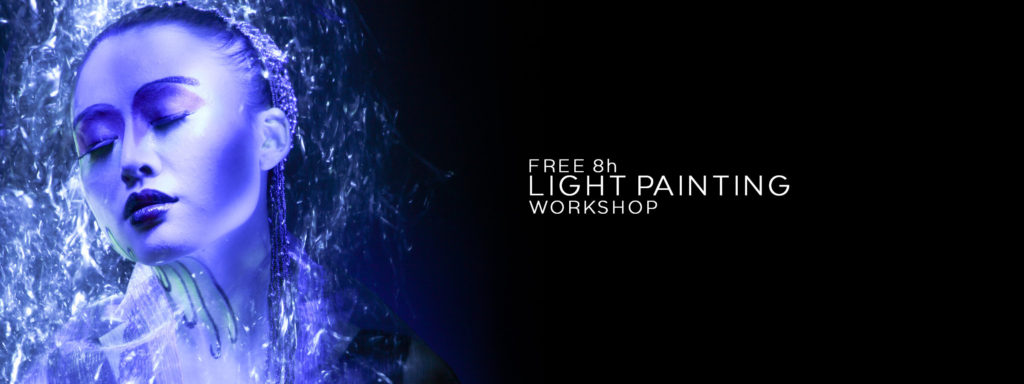
Patrick Rochon’s 8 hour Light Painting Workshop for FREE!
Patrick Rochon Light Painting Workshop

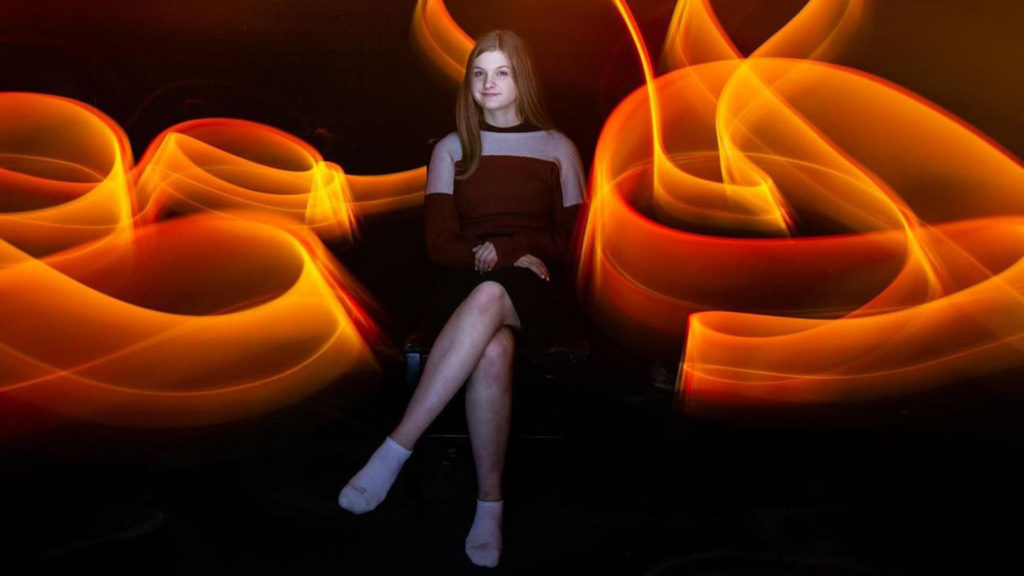
Back in 2013, Light Painting Artist Patrick Rochon recorded an in-depth 2-day workshop for the educational platform Learnster. After Learnster shut down, Patrick made the entire workshop available to the Light Painting Photography community — completely FREE! This incredible series provides deep insight into Patrick’s techniques, especially his Light Painting Portraits. Below you’ll find all the video segments with descriptions. Enjoy the inspiration and knowledge!
Workshop Video Series
01 – INTRO: Patrick introduces himself, shares inspiration from his portfolio, and discusses his global journey into Light Painting.
02 – TOOLS: Tools, camera settings, and light modifications for fire, water, and texture effects.
03 – STUDIO: How to set up your space, use red markers, and work in total darkness efficiently.
04 – DEMO: Live tool demonstration, showing movement techniques and light manipulation in real time.
05 – JAM: Patrick invites crew members to try Light Painting, showing how accessible and fun the process is.
06 – REVIEW: Shares portraits and resources, and reviews key settings and techniques from Day 1.
07 – BASIC: Working with models, lighting the face, managing sensitive eyes, and foundational portrait tips.
08 – EFFECTS: Creative background lighting for atmosphere and drama — all in-camera, no Photoshop.
09 – AIRBRUSH: Airbrush-like soft lighting on the model’s face with enhanced visual effects around them.
10 – POST: Patrick walks through post-production tools and techniques using a workshop image.
11 – Q&A: Final thoughts and a sit-down with Rob Lawrence from Learnster to answer audience questions.
Drone Light Painting Tutorial by Russell Klimas

Light Painting Photographer Russell Klimas has been pushing the limits of Drone Light Painting for a while now. He creates complex Light Painted shapes in the sky and even takes it a step further by using forced perspective, animating 3D light paintings and he has even created a light painted horse chasing the moon across the sky!


Last month Russell released an in depth Drone Light Painting Tutorial on his Youtube channel, and even though I am subscribed to his channel and have my notifications on (which you should be too) I still somehow missed it, but that’s besides the point… Thankfully I have finally seen this awesome tutorial and I wanted to share it with the Light Painting Photography Family! Check out the tutorial video below! Russell has also created a Facebook group that is dedicated to learning and sharing everything Drone Light Painting so if you want to learn more be sure to check that out here!
If you have not seen it here is the First Tutorial Russell refers to in the above video:
Massive Children Of Darklight Light Painting Collaboration!

Light Painting brings people together, but even more so when doing a massive Light Painting Collaboration and no one does it better than the team of Frodo, SFHIR and Edu known as The Children of Darklight! Frodo ÁlvarezDKL, SFHIR and Edu Cajigal create the most massive and impressive Light Paintings ever! The amount of work, organization, planning, time, artistry, creativity, imagination, and technical ability that goes into creating one of these mind blowing works of art is simply astounding! To say it is impressive is really an understatement, everything that goes into making one of these is extraordinary! In their most recent work, not only did they overcome all the normal challenges of creating one of these incredible works of art, they also had to deal with Covid and social distancing! I was going to interview Frodo about this image but thankfully Denis Smith has already done it for me! Denis got a chance to talk with Frodo recently for his School of Light Youtube series Image Breakdown! Check out the The Making of Video Frodo and the Team put together, the full Image Breakdown video by Denis below and also keep scrolling down for other MASSIVE Light Paintings Frodo and the LightMOB collaborators have created!
ARTISTIC DIRECTION: Frodo Álvarez DKL (Children Of Darklight), Sfhir, Edu Cajigal
PRODUCTION & COMMUNICATION: When&Where Comunicación y Eventos
COLLABORATING ARTISTS: Patry Diez, Alexandra Lunar, José Moroño, Tardor Roselló, Iris Shyroii, Ricardo Diosa, Rafael Lobo de la Sierra, Sonia Sumaiss, Ivantxo Rodriguez, Diana Ponce
PRODUCTION ASSISTANTS: Beatriz García, Patry Diez, Alicia Gutiérrez, Adri Domínguez
MAKING OF: Realizador: Titi Muñoz, Cámara: Daniel Contreras
MUSIC: Lego My Ego “A.I.”


If you would like to see more about all the Light Painting Projects Frodo and the team are working on then please check out these links below!
https://www.instagram.com/childrenofdarklight
https://www.youtube.com/ChildrenOfDarklightTV